Dictation, on your device.
Hold fn on your Mac, or tap the mic on the Murmur keyboard, and speak the way you normally do. Murmur writes down what you meant, as said or rewritten into a cleaner, casual, formal or email tone.
Everything stays on your device
Speech recognition (NVIDIA Parakeet or Qwen3-ASR) and rewriting (Liquid AI LFM3) run locally. No accounts, no servers, no analytics.
In every app
On the Mac, Murmur types into whatever app you're in. On iPhone, switch to the Murmur keyboard in Messages, Mail, Notes or anywhere you type.
Your history, yours
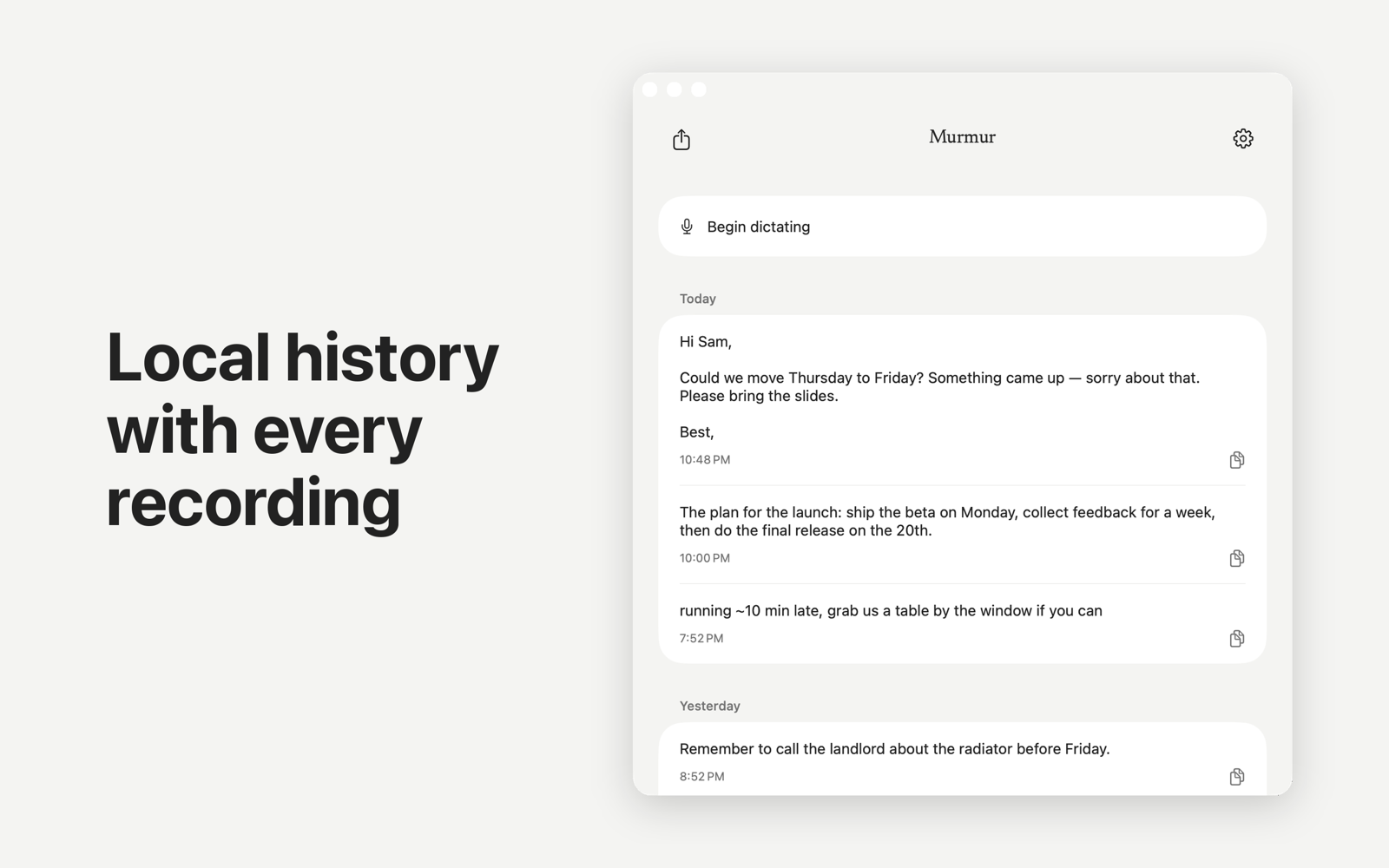
Every dictation is kept in a single SQLite file on your device, which you can export at any time.